The ranked.ink Discord bot
The bot posts what's coming up at the stores your server follows, a reminder on the day, the results, and achievements of players who switch that on themselves, each as a card in a channel you choose.
Adding it to your server
You need to be able to manage the server. Adding the bot means you agree to use it as ranked.ink's terms say: not to follow or contact players.
- Add it to your server. Discord asks which server, and shows the four things the bot needs: to see the channel, send messages, attach its cards and make polls. Nothing else. Add to your server
- Choose the channel and your time zone with
/rankedink setup, in any channel of the server. - Choose the stores with
/rankedink stores add: start typing a store's name. Only stores ranked.ink already has are listed, up to 10. - Switch on what you want. Coming up is on; reminders and results start off, so switch them on with
/rankedink posts. - See it first with
/rankedink test: sample cards, shown only to you.
What it posts
Every post is a card with a short line of text, posted in the channel you chose. Times are each store's own.
-
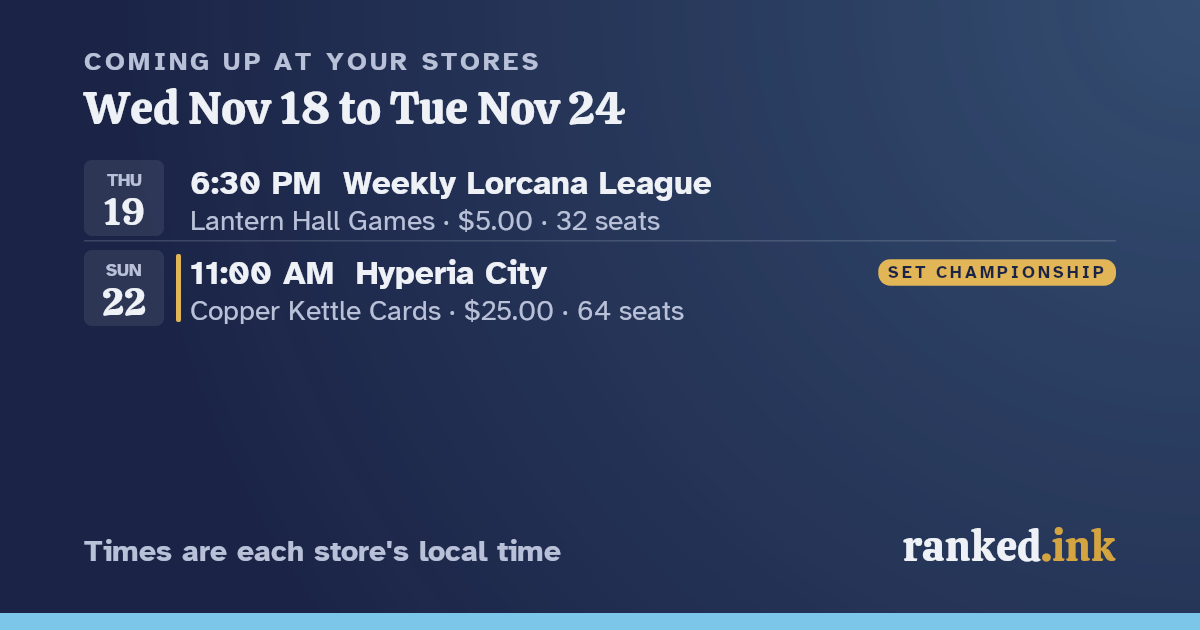 Coming up
Once a week, on the day and time you choose: the next 7 days at your stores, with entry fees and seats, and a link to each event on Play Hub.
-
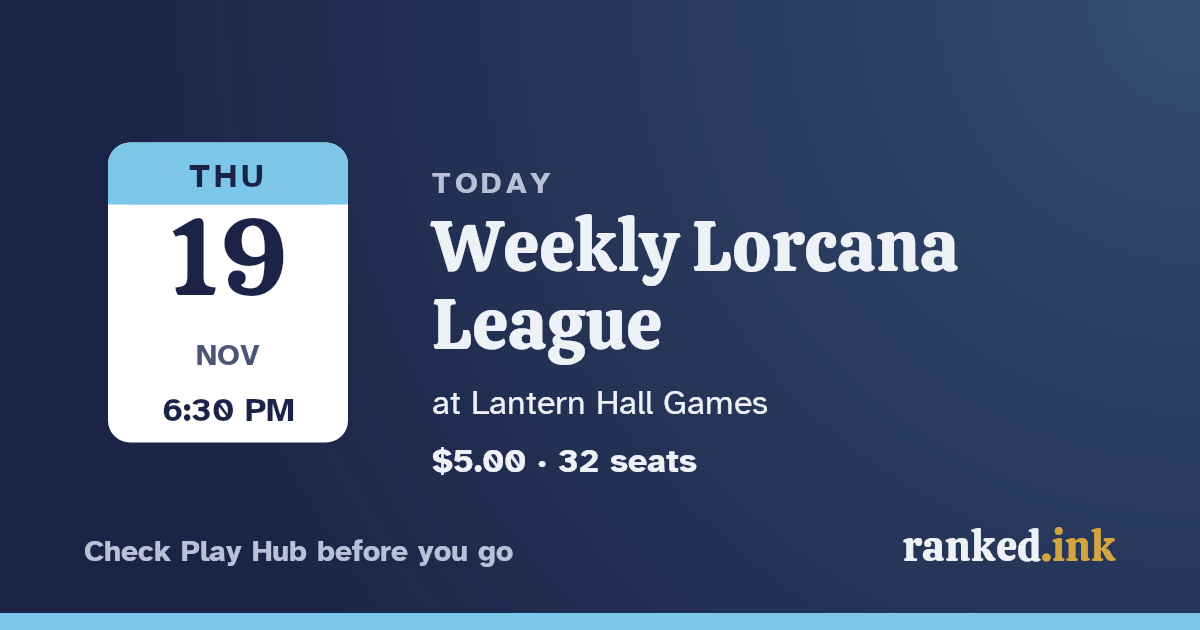 A reminder on the day
At the time you choose, for each event that day, with a Discord poll asking who's planning on going. Votes are visible to everyone in the server; ranked.ink never reads them.
-
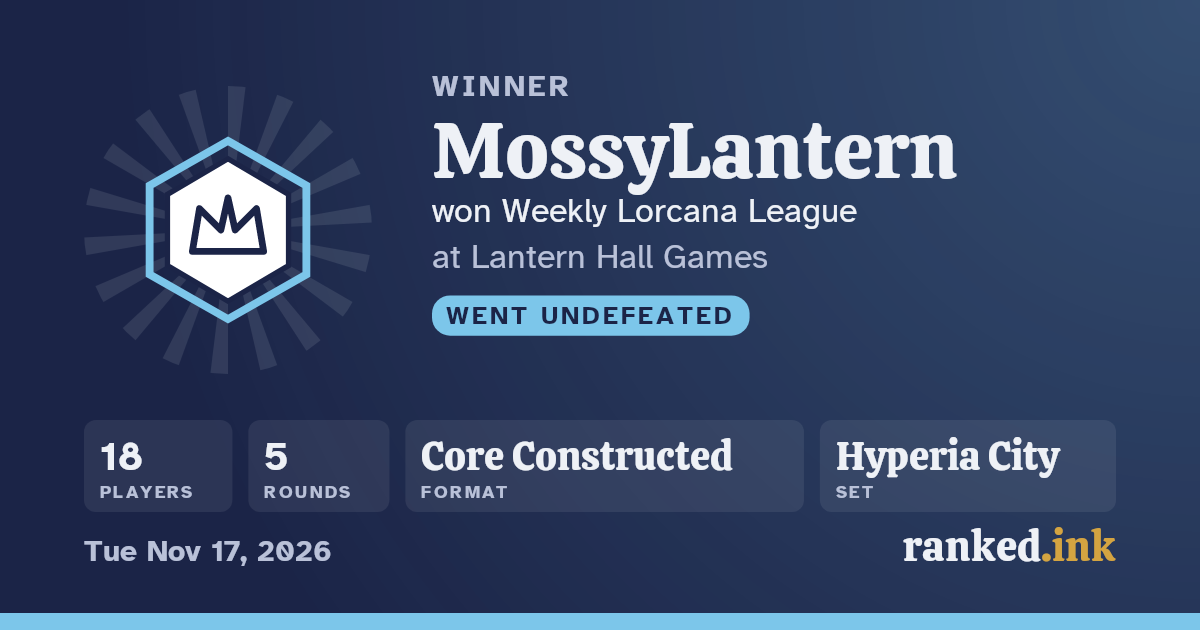 Results
Once an event has ended on Play Hub and an hour has passed: who won, how many played, the rounds, format and set. Only the winner is named. If the winner's page is hidden, the card says "Great event!" instead of a name, and if a page is hidden later, the bot deletes its posts naming that player.
-
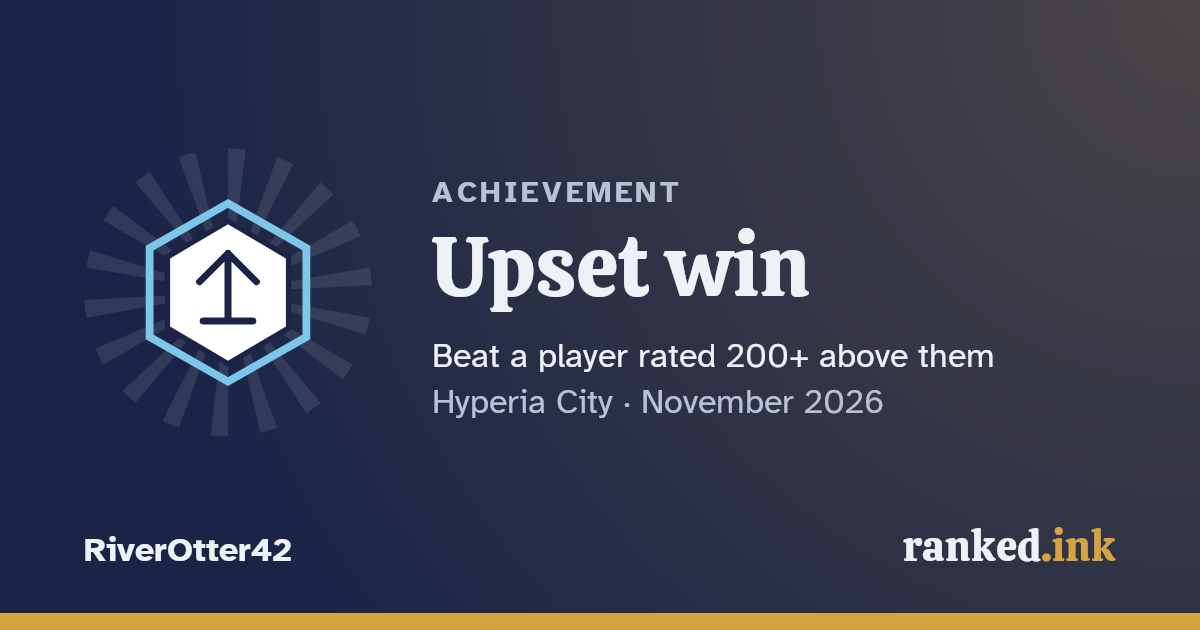 Achievements
Only for players who switched them on for your server themselves (below).
Results start off: switch them on only if your server is for a store or playgroup.
Commands for the server's admins
These need Discord's Manage Server permission. Only the person who types a command sees its reply.
| Command | What it does |
|---|---|
/rankedink setup | The channel it posts in, and the server's time zone. |
/rankedink stores add, remove | The stores it follows. |
/rankedink posts | Coming up, reminders and results, each on or off. |
/rankedink times | When Coming up and reminders go out, and the time zone. |
/rankedink theme | The look of its cards: ranked.ink's own, Midnight, Paper, an ink or a pair of inks, the current set's, or a holiday's in season. |
/rankedink status | What it posts here, and when. |
/rankedink test | Sample cards, only for you. |
/rankedink reset | Forgets the server's settings. Its posts stay in the channel (a post naming a player is still deleted if their page is later hidden). |
Your own achievements
Anyone in a server with the bot can have their new achievements posted there. Type
/rankedink my-achievements on in the server: the bot tells you they'll be posted where everyone in the
server can see them, and waits for you to confirm. You need to have signed in here and said which player you are.
Stop with /rankedink my-achievements off, or under Things you're sharing
on your account. Stopping deletes the bot's posts of your achievements in that server. So does saying a different
player is you, or asking for your page to be hidden.
What it never does
- It never mentions or pings anyone, and never sends direct messages.
- It posts only what any signed-in player can see on ranked.ink: never anything only Investigators see.
- It never names anyone in results but the winner, never a place below first, a rating or a record.
- It never asks Play Hub for anything itself: it uses what ranked.ink already has.
If you see the bot used to target someone, tell us on Contact us (A safety concern) and we'll look at it within 7 days.
Your privacy
What the bot keeps, for how long, and what it sends to Discord is in the privacy policy.